
The easiest way to accept crypto payments on your pricing page
The Oppi Payment Pricing Widget lets you display your plans and collect crypto payments directly on your website. Supports 40+ assets across five blockchain networks. Setup takes minutes, not days.

Ideal for individuals starting out.


Perfect for small teams and growth.


Scalable solutions for large organizations.

Everything your pricing page needs to accept crypto payments
The Oppi Payment Pricing Widget gives your website six tools to display your plans, collect crypto payments and track every transaction across 40+ assets and five blockchain networks from one dashboard.
Any member of your team can set up the Oppi Payment Pricing Widget without writing a single line of code. Build and customize your widget from the dashboard, copy the generated code and paste it onto your pricing page. That is all it takes to start accepting crypto payments on your website.
With 40+ accepted crypto assets across Ethereum, Binance Smart Chain, Solana, TRON and Polygon, your customers always have a payment option that works for them. They pay in whichever asset they already hold and the funds arrive directly into your Oppi Payment account without any intermediaries.
Every visual element of the Oppi Payment Pricing Widget can be adjusted to match your website. Change colors, button labels, plan names and pricing amounts directly from your dashboard without touching your website code. Your customers never feel like they have been sent to a third-party page to complete a payment.
Your Oppi Payment dashboard updates every widget payment automatically the moment something changes. Completed, pending and failed transactions are visible in real time so your team always knows exactly what your pricing page is generating without chasing payment confirmations manually.
You do not need to configure anything extra to make the Oppi Payment Pricing Widget work on mobile. It is responsive by default across all screen sizes including mobile, tablet and desktop. Every customer who visits your pricing page gets the same clean payment experience regardless of their device.
Show all your pricing plans and subscription tiers inside one widget on your pricing page. Your customers compare options and pay in crypto without leaving your site or going through a third-party checkout. Every plan you offer is supported within a single widget embed.

Embed your widget and start accepting crypto payments immediately.
Once your widget is built and customized, copy the generated code from your Oppi Payment dashboard and paste it onto your pricing page. The widget goes live the moment your page is published. Your customers can select their preferred crypto from 40+ supported assets across Ethereum, Binance Smart Chain, Solana, TRON and Polygon and pay directly without leaving your website.
Create Your Account
Create your Oppi Payment account and complete verification. Once your account is approved, the Pricing Widget tool is ready to use from your dashboard immediately.
Build and customize your widget
Build your widget by adding your pricing plans, amounts and accepted cryptocurrencies. Customize colors, text and button labels to match your website before generating the code.
Track payments and receive funds
Track every payment through your widget in real time from your dashboard. Completed, pending and failed transactions are all visible from one central place.
Why businesses choose the Oppi Payment Pricing Widget
Adding crypto payments to your pricing page should not mean compromising on branding, limiting your customers to one or two assets, or hiring a developer every time something needs to change. The Oppi Payment Pricing Widget was built to solve all three of those problems at once.

More crypto options than any other widget
Most payment widgets support only a handful of crypto assets. The Oppi Payment Pricing Widget supports 40+ assets across Ethereum, Binance Smart Chain, Solana, TRON and Polygon. Your customers pay in whichever asset they already hold.
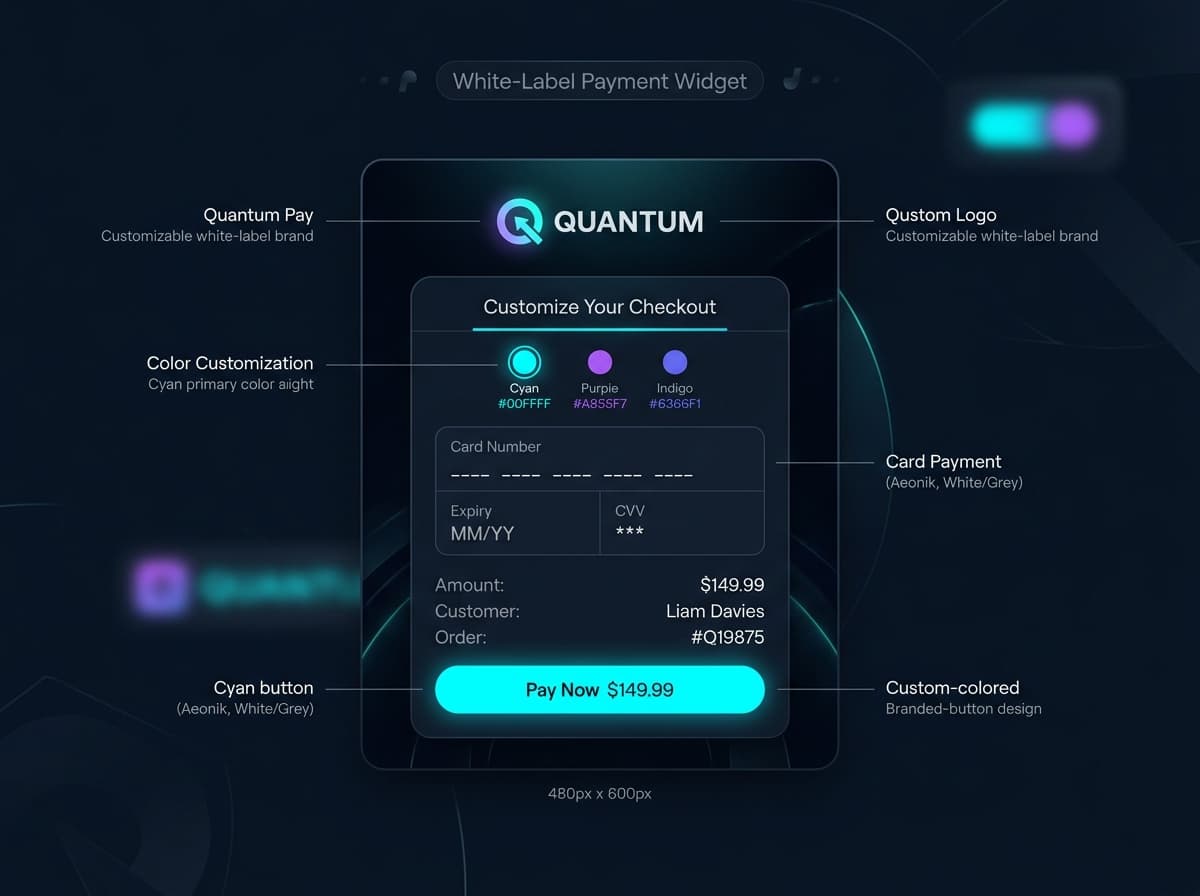
Your brand stays front and center
Your customers never see the Oppi name when they pay through your pricing widget. Every color, label, plan name and button is customizable to match your brand. The entire payment experience looks and feels native to your website.
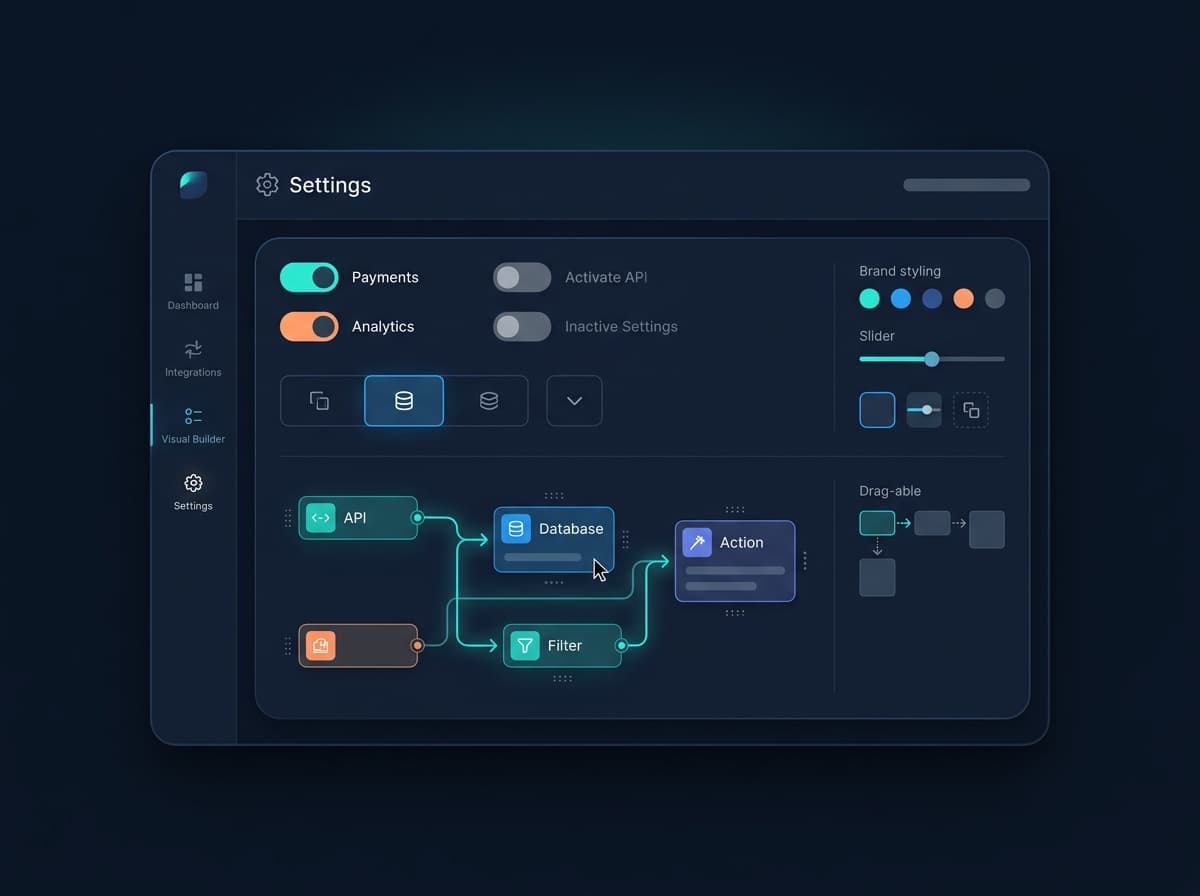
No developer needed. Ever.
You do not need a developer to set up, edit or republish the Oppi Payment Pricing Widget at any stage. Any member of your team can change a plan name, price or CTA label from the dashboard and updates go live immediately.
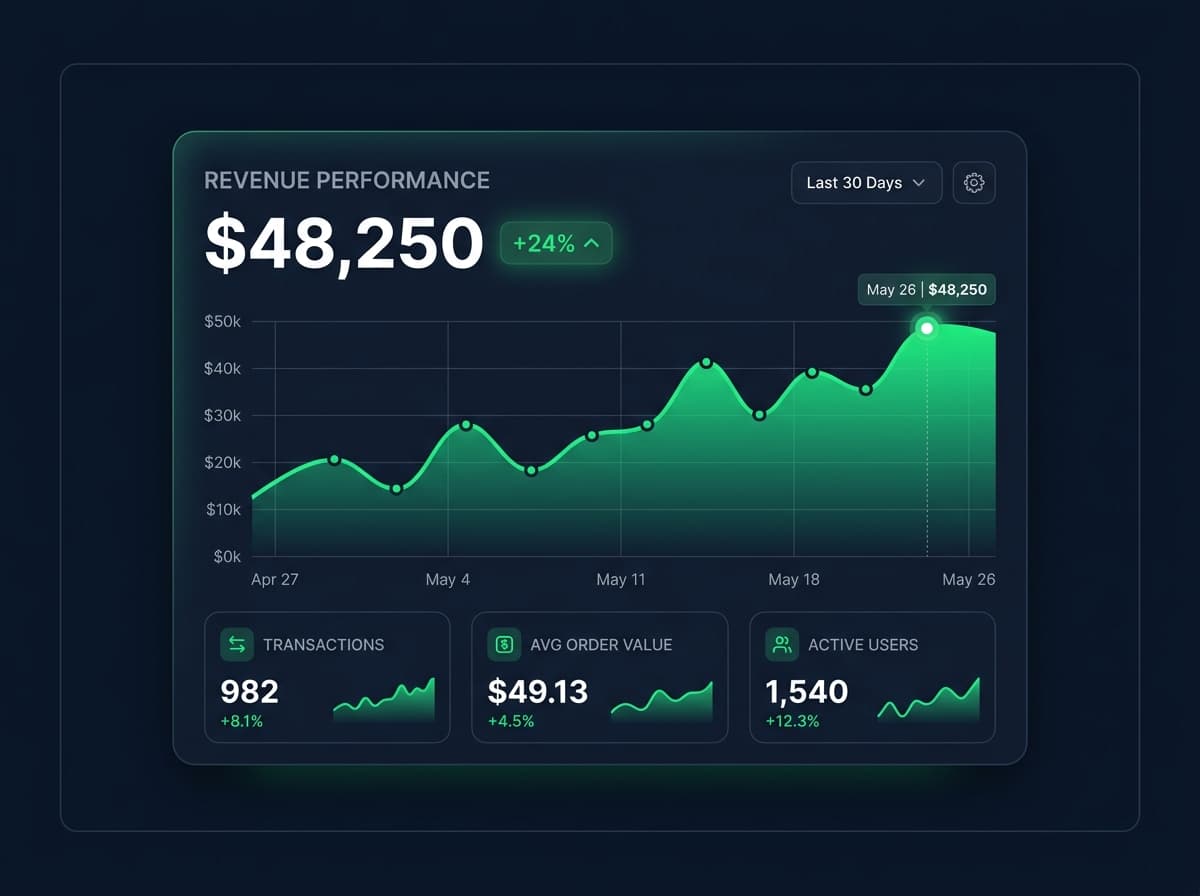
One dashboard for everything
Every pricing widget you create and every crypto payment your customers make is visible from your single Oppi Payment dashboard. No separate tools for tracking or reconciliation. One login gives you the complete picture from day one.
Every crypto asset your customers can pay with
Give your customers genuine payment flexibility. The Oppi Payment Pricing Widget accepts 40+ crypto assets across five major blockchain networks so your customers can always pay in whichever cryptocurrency they already hold, with no swaps and no redirects.
Best Suited For
Oppi Payment Pricing Widget is built for any business that wants to accept crypto payments without added complexity
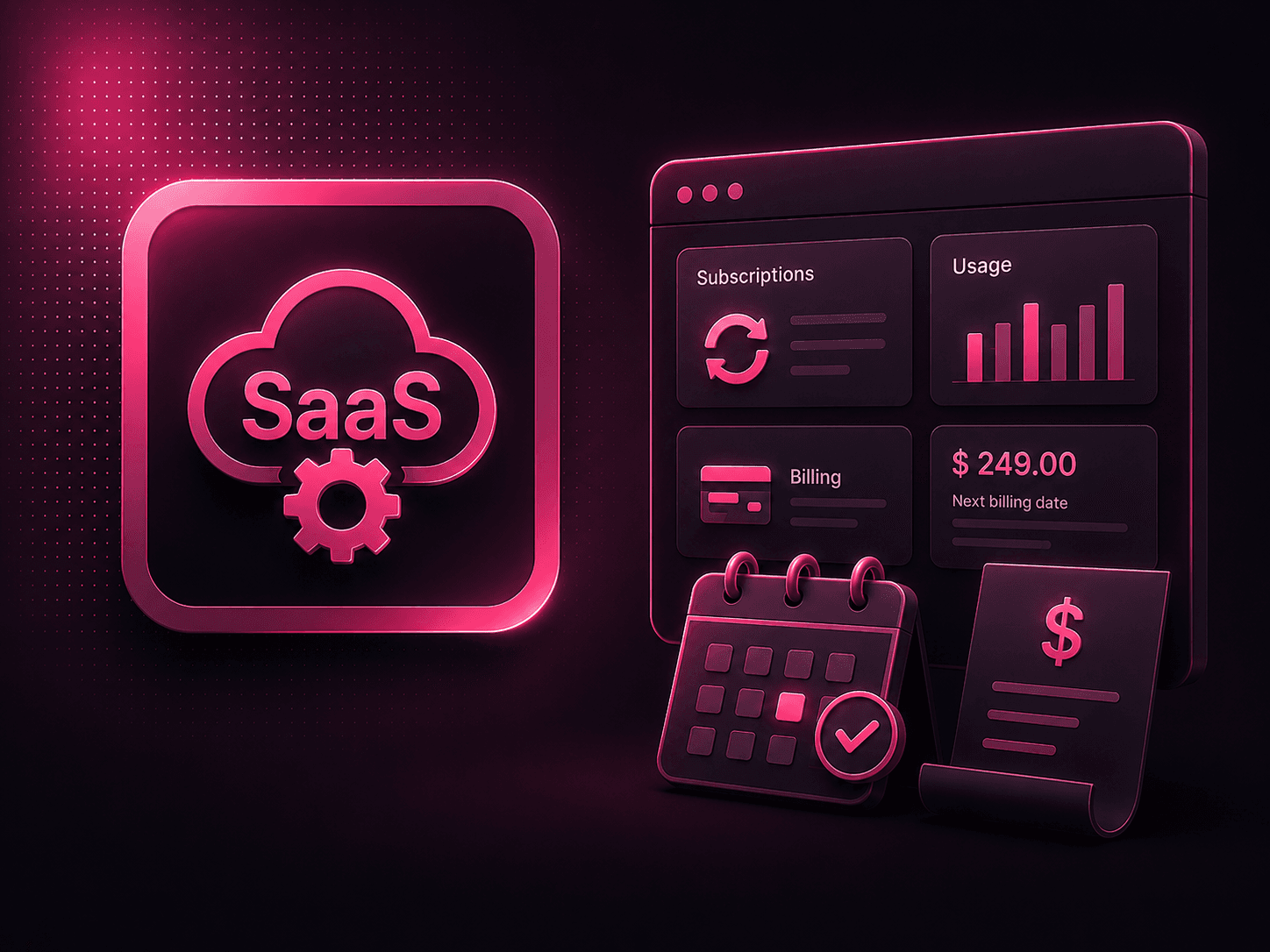
SaaS & Web Services
Display subscription pricing tiers and collect recurring or one-off crypto payments directly from your site.

iGaming & Casinos
Integrate multi-currency pricing plans and instant checkout options on your gaming platform.

Trading Platforms
Collect B2B deposits and institutional account fees seamlessly with custom pricing widget embeds.

CPA & Affiliate Networks
Set up clear pricing structures and collect network membership or lead-generation fees easily.
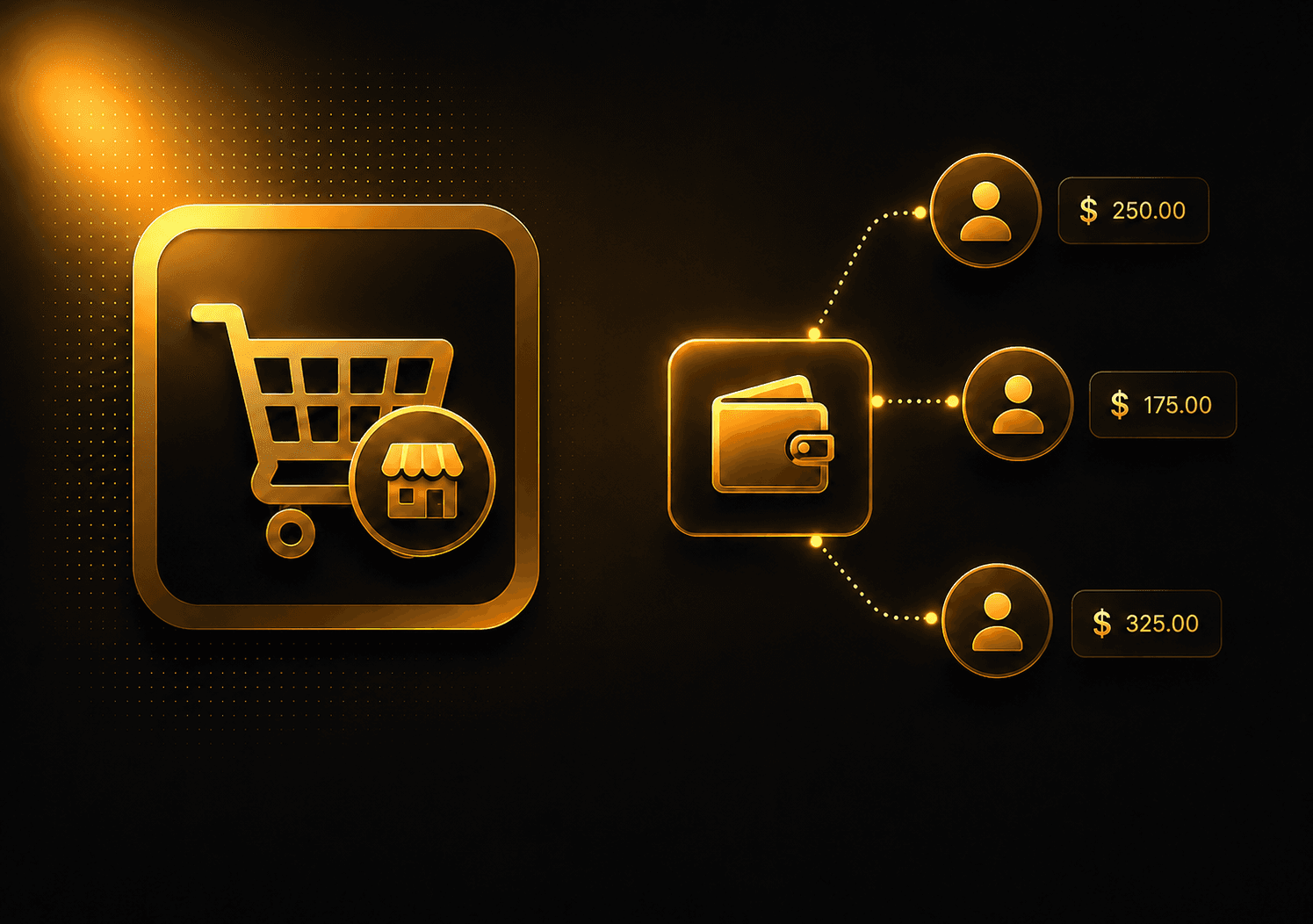
Marketplaces
Showcase seller plans and subscription tiers inside one widget on your multi-vendor site.
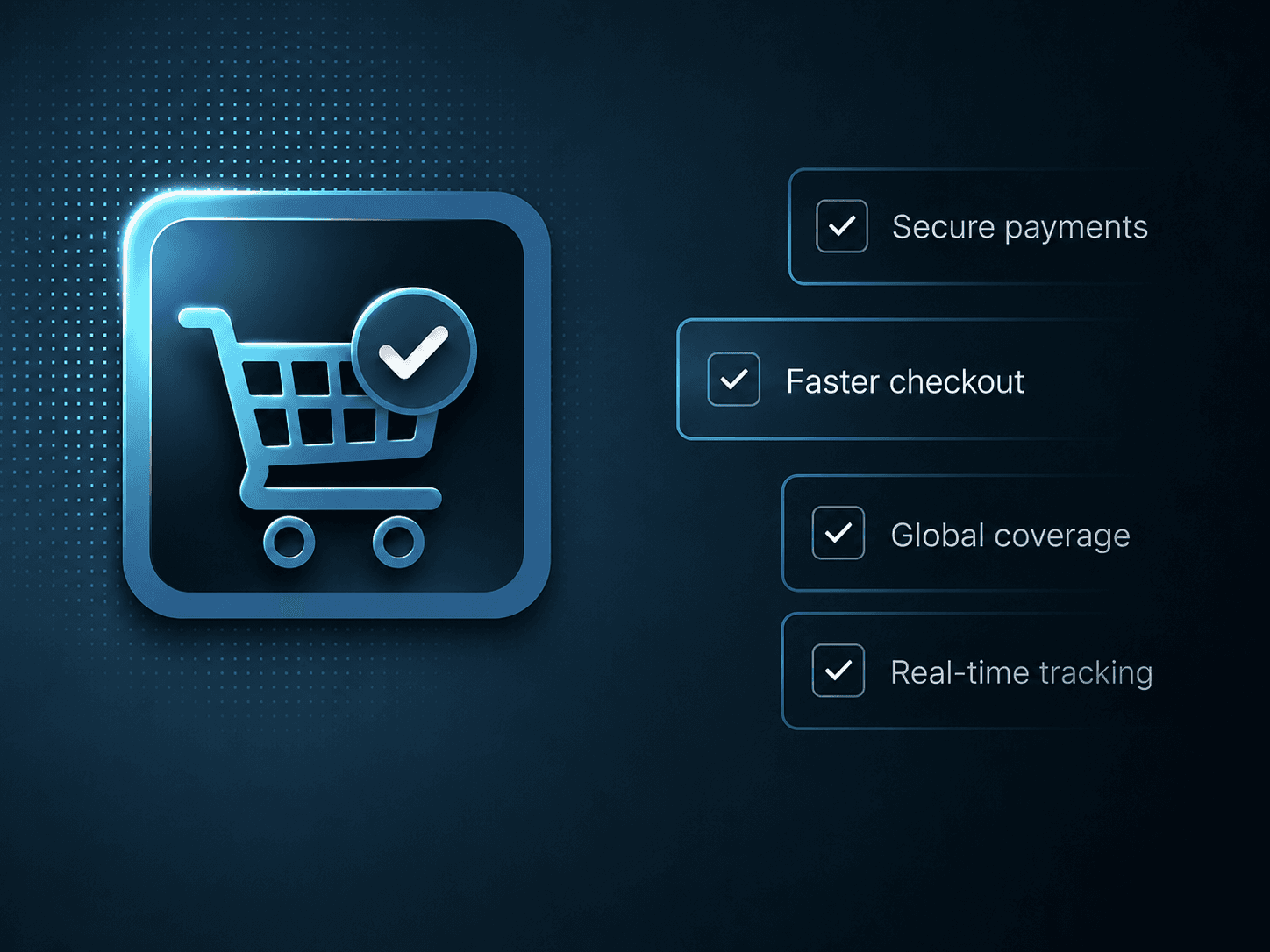
E-commerce
Embed checkout widgets on your store's pricing page to accept 40+ crypto assets dynamically.
Frequently asked questions about the Oppi Payment Pricing Widget
Everything you need to know about setting up, customizing and going live with the Oppi Payment Pricing Widget is covered below. Still have a question? Reach out to the support team directly and they will get back to you.